How to Test Diagnostic Tablet Battery Runtime
Use a repeatable workload to decide whether a worn Autel tablet pack is ready to swap for a DV2027.
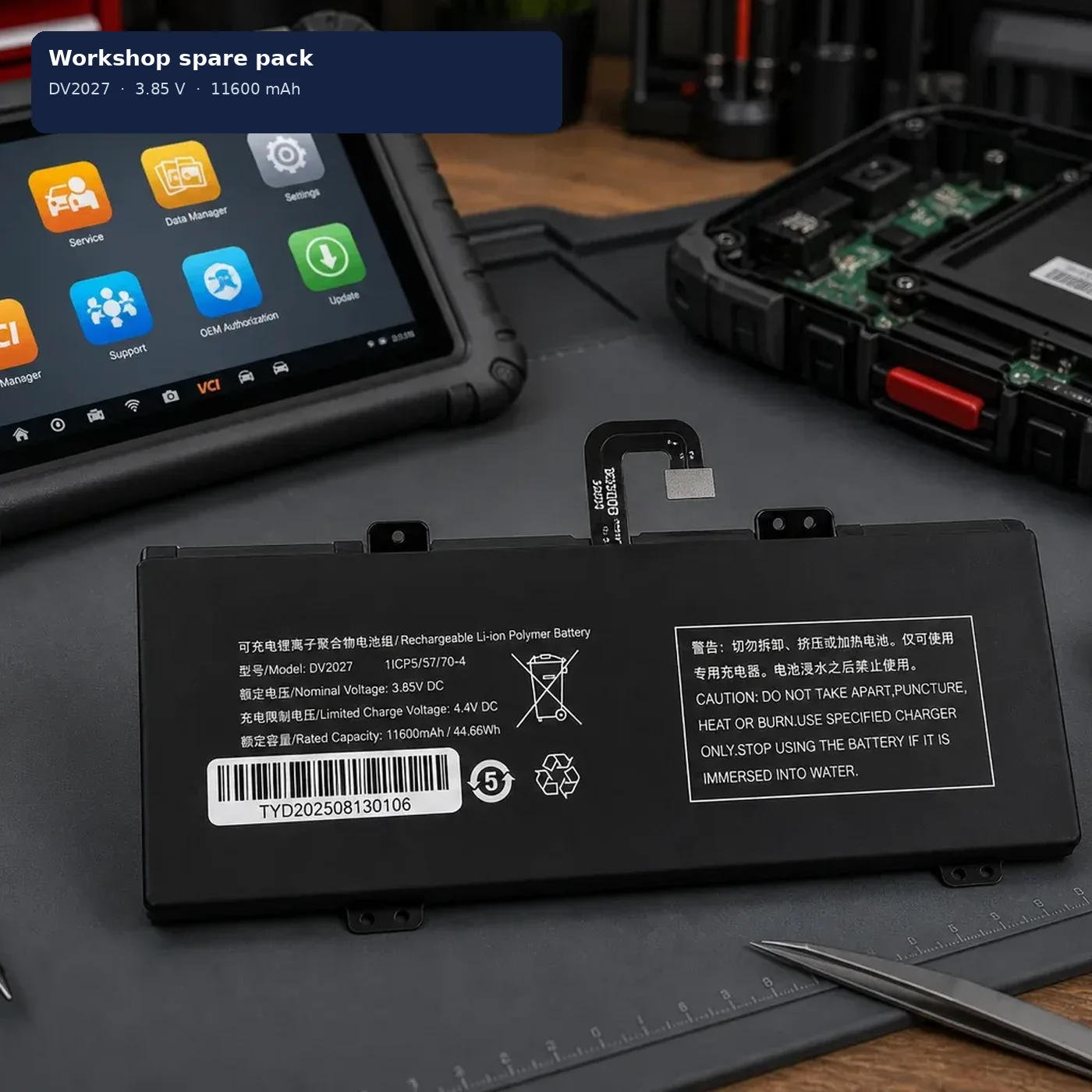
A worn Autel tablet pack usually shows up as a short session, a shutdown mid-job, or a tablet that only stays up on the charger. Run one repeatable workload before you order an oliadeo DV2027, then compare that with a day after the swap.
Set a workload you can repeat
Use the same tablet, the same Autel 12 V charge beforehand, and the same kind of job — a live-data session on a bay car is enough. Write down start time, indicated charge if the tablet shows it, and when it shuts down or warns. Do not mix in a different scanner or a different job and call that a test.
Treat the note as a workshop check so you know whether the installed pack is ready to come out.
When a DV2027 swap is the next step
If the tablet is on the fit list and the old pack is marked DV2027, a short runtime is the usual reason to fit the oliadeo replacement. The new pack is labelled 3.85 V DC, 11600 mAh / 44.66 Wh, 4.4 V limited charge voltage. After fitting, charge through the tablet on Autel’s 12 V supply, then run the same workload once more.
Fit steps are in how to fit an oliadeo DV2027 pack. Confirm the label first with the DV2027 battery compatibility checklist.
What this check cannot tell you
It cannot invent a hours-per-charge promise for every bay. Runtime still depends on screen brightness, wireless, and how hard the tablet is working. Use the same job before and after so you are comparing like with like.
If runtime is still poor after the swap
Reseat the flex ribbon. Charge only on the Autel 12 V supply that came with the tablet. If the tablet still will not see the pack, reseat the connector first.
The pack itself is described on the oliadeo DV2027 product page.